What to send us before a setup
Our five business days start when everything on this list is in. Most organizations need one evening to put it together.
Setup service
5 min read
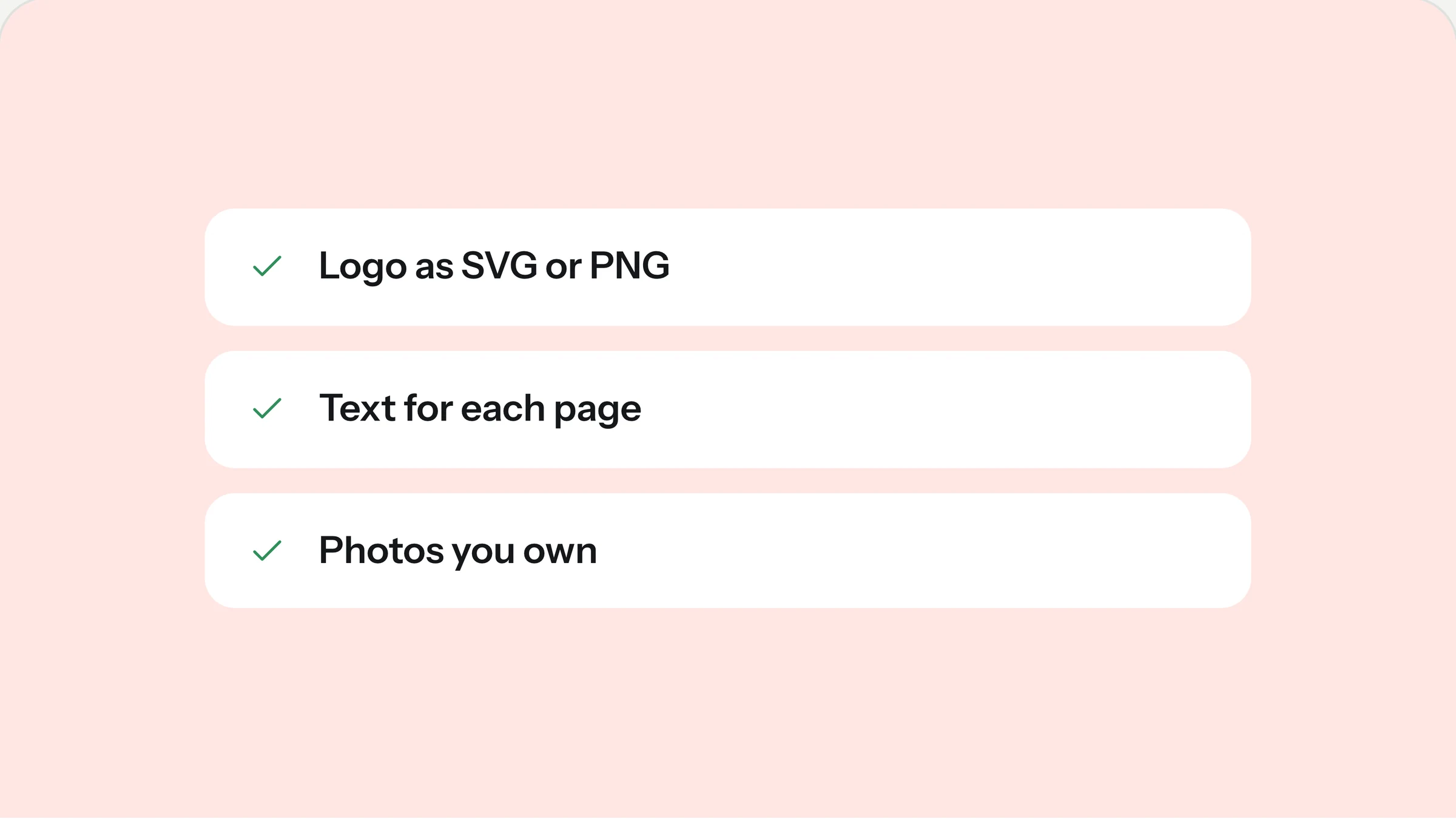
A setup goes fast when the content is ready and slow when it arrives in pieces. Our five business days start on the day we have everything on this list. Most organizations need one evening to put it together, and this guide shows what helps and what doesn’t.
You don’t need to be perfect. Send what you have, tell us what is missing, and we will say whether we can work around it.
1. Your logo
The best format is SVG, because it stays sharp at any size. If you only have a PNG, send the largest version you can find, ideally with a transparent background. A logo copied from your old website is often too small and blurry on a modern screen.
The full logo, and if you have one, a square version for the browser tab
A light version for dark backgrounds, if it exists
Your brand colors as hex codes (for example #1E5B4A), if you have them
No logo yet? That is fine for Launch. We set your name in the template’s typeface so it looks deliberate, and you can add a logo later.
2. Your text
Send one document per page, named after the page: Home, About, Visit, Contact and so on. Use the template’s demo text as a guide for length. If a section has three short sentences in the demo, three short sentences of yours will fit best.
On Launch, we place your text as you send it. Please send it ready to publish.
On Launch Plus, bullet points are enough. We shape them into sentences that fit each section and send them back for your approval.
Include the details visitors need most: times, address, phone, email and anything people should know before a first visit. If something changes often, such as event dates, send the current state and we will show you how to update it yourself.
3. Your photos
Real photos of your own people and place make the biggest difference to how a template feels. Ten good ones are enough for most sites.
Send originals, not screenshots or images saved from social media. Original phone photos are fine.
Landscape photos work best for large sections. Include a few portrait ones for cards.
Only send photos you are allowed to use, and make sure the people in them agreed to appear on your website.
Bright daylight beats a flash at night, every time.
Short on photos? Tell us which sections are missing one. We can suggest free stock photos that fit, but your own will always look better.
4. Domain access
To connect your domain we need to change two settings at your registrar, the company where you bought it. You can give us a login, invite us as a delegate if your registrar supports it, or set up a short call with the person who manages it. We never touch your email settings.
Don’t have a domain yet? Tell us the address you want and we will help you check that it is available before you buy it.
5. Your Framer account
The site sits in a Framer workspace that belongs to you, right from the start. Create a free Framer account* with an email address your organization keeps long term, not a personal one that leaves with a volunteer. We send you a short note on how to invite us as an editor.
When the site is ready to go live, you buy Framer’s site plan for it. Framer bills you directly, and we don’t add anything on top.
If you are replacing an old website
Send us the address of your current site and tell us which pages people actually use. We don’t copy old text blindly, but the old site often holds details that are easy to forget, such as directions, accessibility notes or a form that someone checks every week. We also make a list of old page addresses so that visitors who bookmarked them are forwarded to the new pages.
6. The small things that are easy to forget
The email address that should receive form submissions
Links to your social profiles, video channel or podcast
Your legal pages: imprint and privacy text as you want them published. We place them, but we can’t write them for you.
Anything that must not appear on the site, such as names of children in photos
What good text looks like
You don’t need to be a writer. The text that works best on small organizations’ websites is plain and specific. Compare these two descriptions of the same preschool:
“We provide a nurturing, holistic environment where every child can flourish.”
“Twenty children, four teachers and a garden. Most of the day happens outside, even in November.”
The second one tells a parent something they can picture. Write the way you would explain your organization to a neighbor, and leave the polishing to us if you booked Launch Plus.
How to send it
Put everything in one shared folder (Google Drive, Dropbox or OneDrive) with a subfolder for photos, and send us the link. Folders beat email attachments, because nothing gets lost in a long thread and you can add files later.
What happens after you send it
On the first business day we go through everything against this checklist and send you one message with any open questions. Then we build. On day four you get a preview link of your new site and send your changes as one list, which we work through the same day. On day five we connect your domain, publish and send you a short screen recording that shows where to edit what.
If something on the list is still missing when we start, we tell you on day one and agree on a new date with you, so nothing is guessed or filled with placeholder text behind your back.
Send what you have, even if it isn’t complete. A clear list of what is missing is more useful to us than waiting another week.
Ready? Request a setup and we reply within one business day with a fixed price and this checklist as a document.
Rather have it done for you?
We set up your template with your words, photos and domain in five business days, for a fixed price.
Keep reading